
Going Deeper into Linux: From Commands to Automation
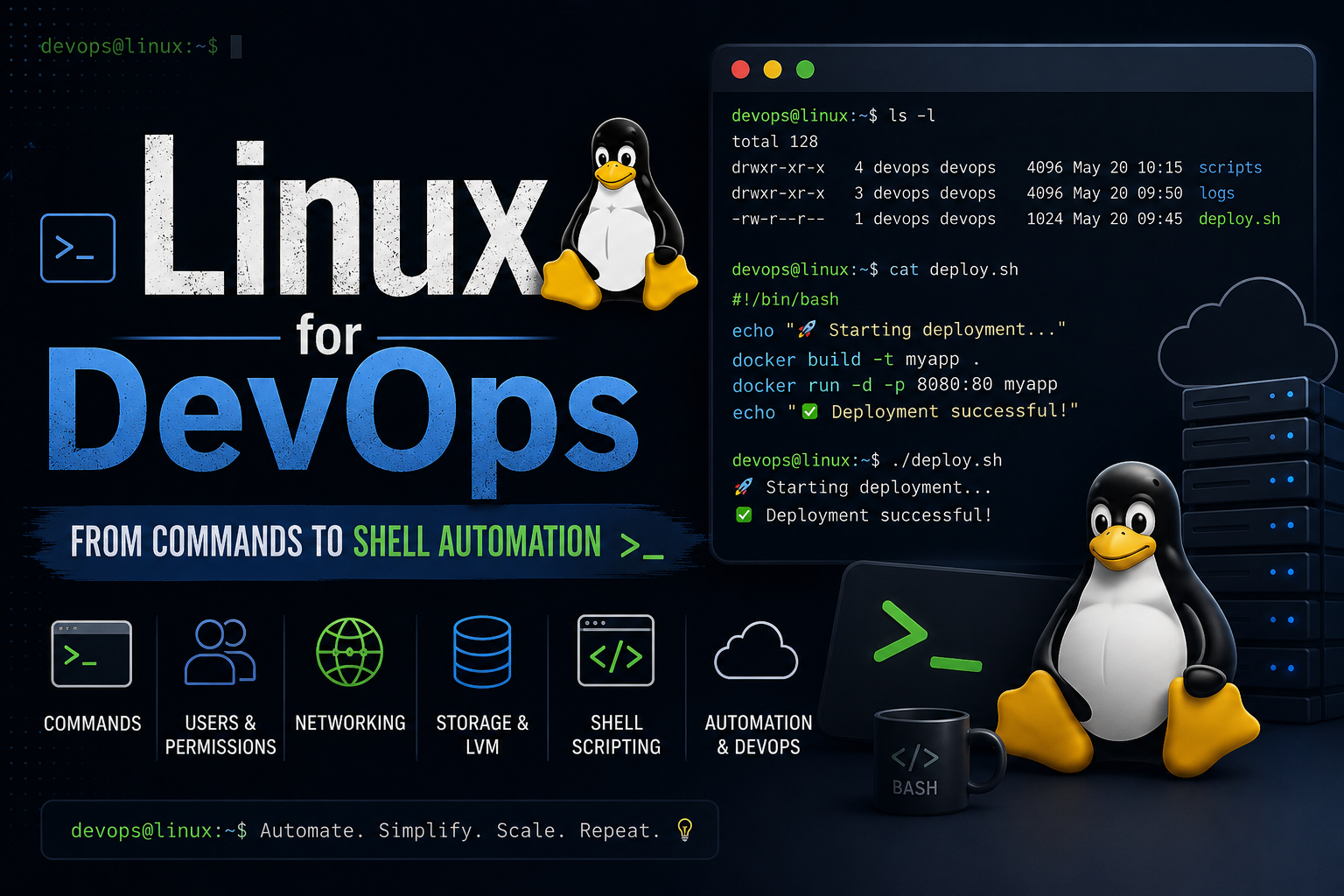
This week, I went deeper into one of the most important foundations for DevOps — Linux.
Earlier, I knew the basic commands and could navigate around the terminal. But this week, I focused more on understanding Linux from a system administration and DevOps perspective.
Instead of just memorizing commands, I tried to understand where they're used and why they matter in real-world environments.
🗂️ File & Directory Management
I revised and explored essential commands used while working with files and directories:
ls,cd,pwdmkdirrmandrmdircatandzcattouchheadtail -flessandmorecpandmvwcviln(Hard Links & Soft Links)cut,tee,sortdiff
These commands might seem basic individually, but together they form the foundation of working efficiently inside a Linux environment.
👤 User, Group & Permission Management
I also explored how Linux manages users, groups, ownership, and permissions.
Some of the commands I practiced:
sudouseraddwhoamisupasswduserdelgroupaddgpasswdgroupdel
Along with permission-related commands:
umaskls -lchmodchownchgrp
This helped me better understand how Linux handles access control and security, which becomes especially important when managing production servers.
📦 Compression & File Transfer
I explored tools for compressing, archiving, and transferring files:
zip,unzipgzip,gunziptarscprsync
These tools are commonly used when working with remote servers and cloud environments.
🌐 Networking Commands
Networking was one of the most interesting areas I explored.
Some commands included:
pingnetstatifconfigtracerouteandtracepathmtrnslookuphostnameipssarpdignc(Netcat)nmapwgetcurliptables
I also explored comparisons like:
curlvswgettraceroutevstracepathnetstatvsss
Learning these tools made me realize how much easier troubleshooting becomes when you understand what is happening at the network level.
⚙️ System, Process & Resource Management
I explored several commands used to understand system information and monitor processes:
unameuptimedatewhichidshutdownreboot
For process and resource monitoring:
pstopfuserkillnohupfreevmstatdfdu
I also got familiar with different package managers:
aptyumdnfpacman
💾 Linux Storage & LVM
Towards the end of the week, I went deeper into storage management concepts:
Physical Volumes
Volume Groups
Logical Volumes
LVM (Logical Volume Manager)
Mounting volumes
AWS EBS integration with Linux
This was particularly interesting because it connected my Linux learning with AWS and cloud infrastructure.
Understanding how storage works inside Linux makes services like EBS much easier to understand beyond simply clicking buttons in the AWS console.
📝 Currently Learning: Shell Scripting
The next step in my Linux journey is Shell Scripting.
Learning commands is useful, but being able to combine those commands into scripts and automate repetitive tasks is where things start becoming much more practical.
I'm currently working on understanding how to:
Write Bash scripts
Work with variables
Take user input
Use conditional statements
Work with loops
Create functions
Automate repetitive system tasks
This is the part I'm particularly excited about because it connects Linux knowledge with automation.
Instead of manually running:
command1
command2
command3
command4
The goal is to start thinking:
Can I automate this? Can I turn this into a script?
And I think that's where Linux starts becoming much more valuable for a DevOps engineer.
🚀 My Biggest Takeaway
This week made me realize that learning Linux isn't about memorizing hundreds of commands.
It's about understanding:
How users interact with systems
How files and permissions are managed
How processes run
How networking works
How storage is organized
And now, how repetitive tasks can be automated using Shell Scripts
I'm gradually moving from running commands manually → understanding the system → automating workflows.
That progression feels much more meaningful than simply completing a list of Linux commands.
As I continue my journey into Cloud and DevOps, my next focus is to strengthen Shell Scripting and start building small automation projects around the Linux concepts I'm learning.
One command at a time. One script at a time. One step closer to becoming better at DevOps. 🐧🚀
#Linux #DevOps #ShellScripting #Bash #CloudComputing #AWS #Automation #SystemAdministration #LearningInPublic